Jetstream入りのLaravelでmaryUI(Volt)を使って管理画面を作ってみる
Laravelプロジェクト作成
laravel new hoge上記実行中に、JetstreamやLivewireなどを選択しました。Databaseもpostgresqlを選択しました。 しばらくすると、プロジェクトが作成されており、.envも作成済みでした。
DB作成・設定
psql -U postgres# create database hoge上記でhogeデータベースを作成し、.envの下記を設定します。
DB_CONNECTION=pgsqlDB_HOST=127.0.0.1DB_PORT=5432DB_DATABASE=hogeDB_USERNAME=postgresDB_PASSWORD=passwordマイグレーションを実行して、テーブルを作成し、サーバを起動します。
php artisan migratephp artisan serveJetstreamのデフォルト画面
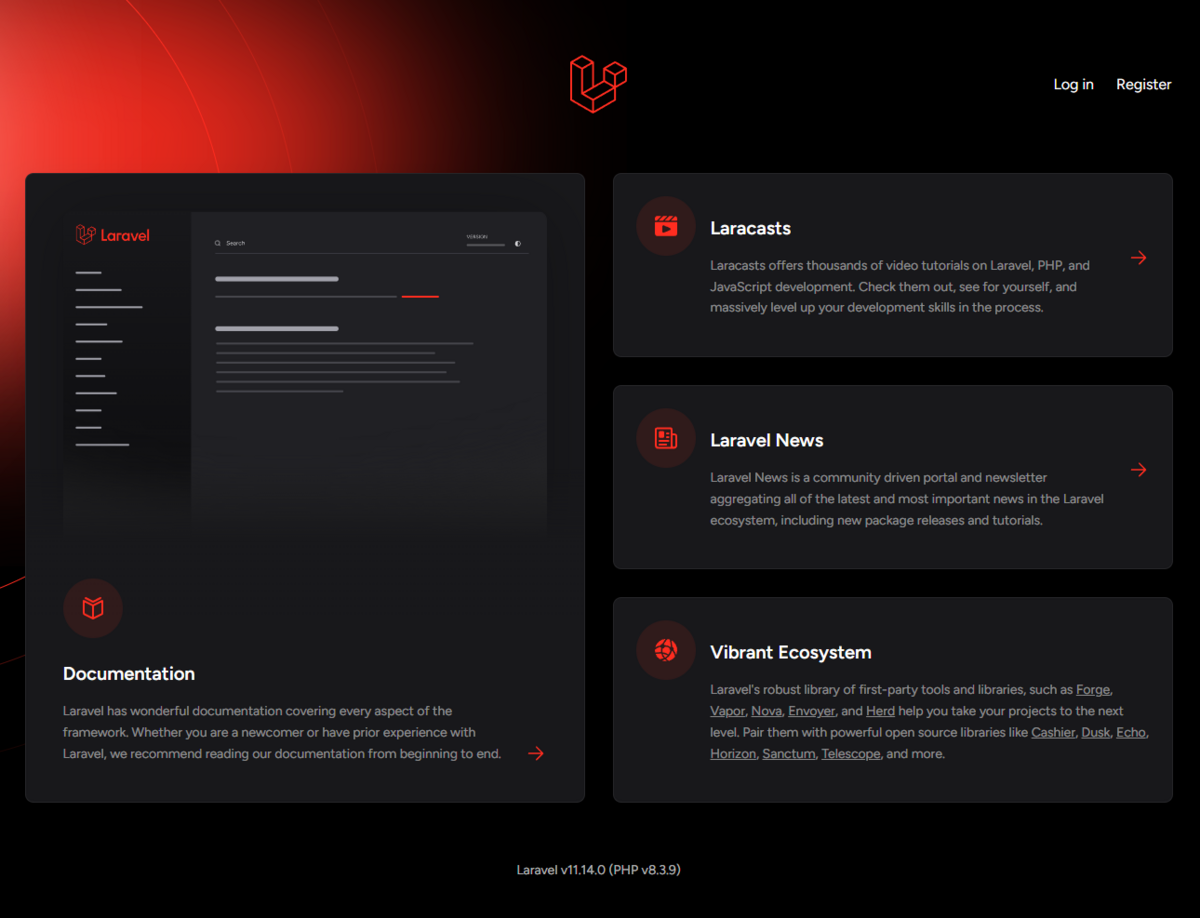
Jetstreamが入ってますので、ホームページの右上にlogin, registerというのがあります。
Seederでユーザを作成しログインしましょー。
php artisan db:seedこれで、下記ユーザでログインできます。
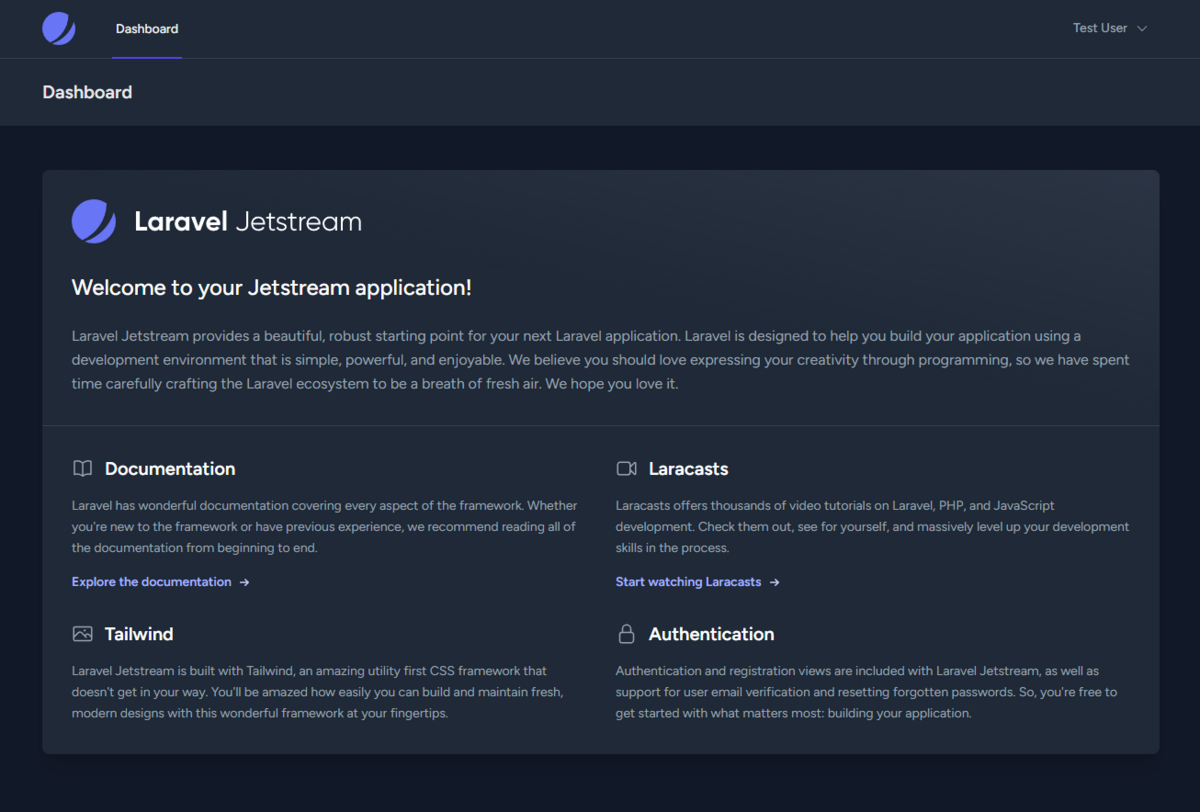
passwordログインするとこのようなDashboardが表示されます。
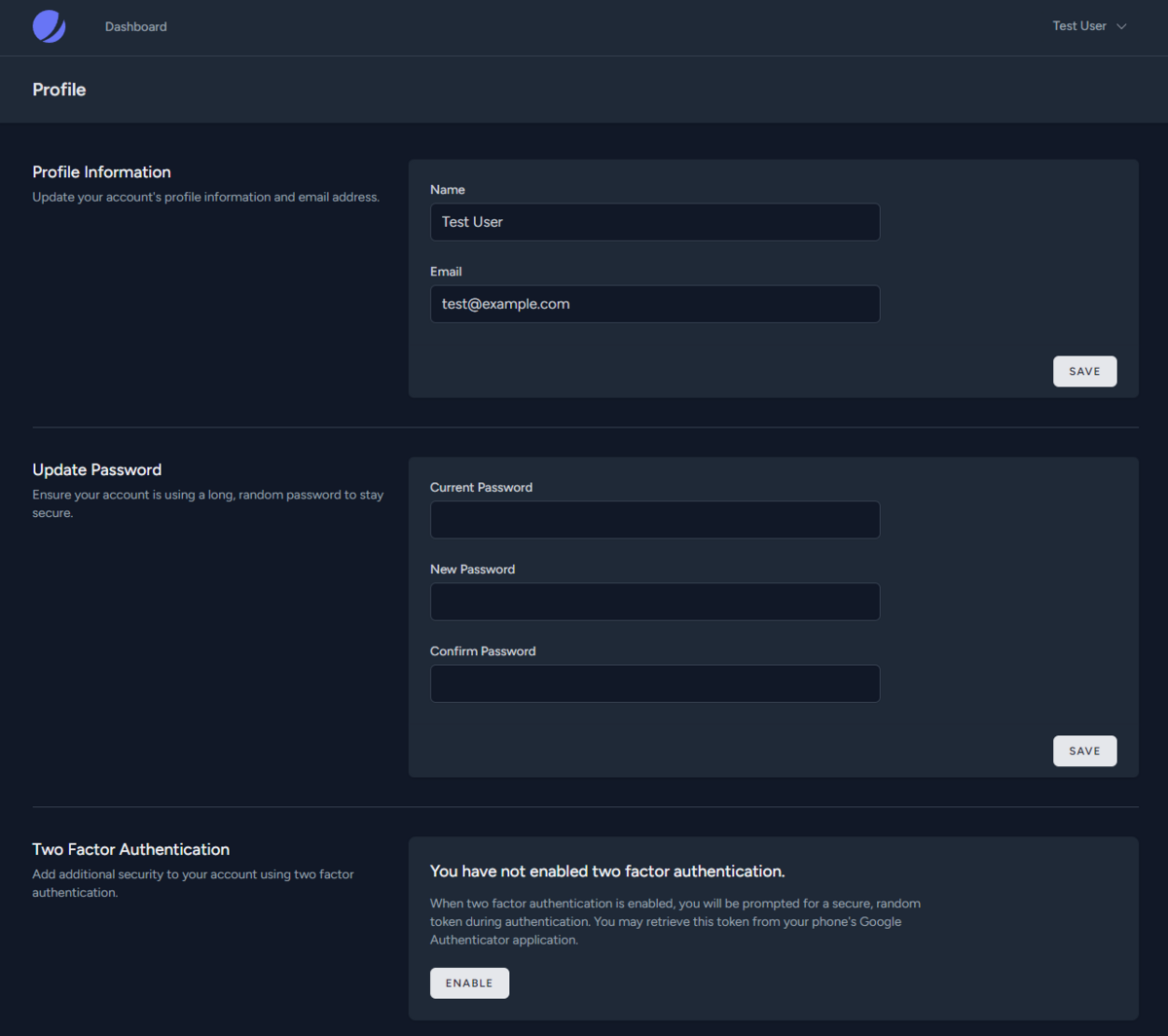
プロフィール編集画面はこのような感じです。
もちろんこのまま使えますが、今回は、maryUIを入れて、管理画面をデザインを変えながら作っていきたいと思います。
maryUIを入れてみる
これです。
https://mary-ui.com/docs/installation — mary-ui.com
composer require robsontenorio/maryphp artisan mary:installpnpm devこれでインストールは基本完了です。 インストール中に、どうもJetstreamが入っていることを検知して、config/mary.phpを自動で作成し、プレフィックス設定までしてくれているっぽいです。多分。下記が自動生成されていました。
config/mary.php
<?php
return [    'prefix' => 'mary-',
...
本と著者のDBテーブルを作る
本と著者を作ります。構造は適当でよいので、Claudeでお願いします。
マイグレーションファイルを作り、中身をClaudeでもらったやつに変更します。
php artisan make:migration create_authors_tablephp artisan make:migration create_posts_tableそして、migrateします。
php artisan migrate中身を確認してみます。
psql -U postgres# \c hoge# \d posts      列      |             タイプ             | 照合順序 | Null 値を許容 |            デフォルト--------------+--------------------------------+----------+---------------+----------------------------------- id           | bigint                         |          | not null      | nextval('posts_id_seq'::regclass) author_id    | bigint                         |          | not null      | title        | character varying(255)         |          | not null      | content      | text                           |          | not null      | slug         | character varying(255)         |          | not null      | status       | character varying(255)         |          | not null      | 'draft'::character varying published_at | timestamp(0) without time zone |          |               | created_at   | timestamp(0) without time zone |          |               | updated_at   | timestamp(0) without time zone |          |               |
# \d authors    列     |             タイプ             | 照合順序 | Null 値を許容 |             デフォルト------------+--------------------------------+----------+---------------+------------------------------------- id         | bigint                         |          | not null      | nextval('authors_id_seq'::regclass) name       | character varying(255)         |          | not null      | email      | character varying(255)         |          | not null      | password   | character varying(255)         |          | not null      | bio        | text                           |          |               | created_at | timestamp(0) without time zone |          |               | updated_at | timestamp(0) without time zone |          |               |
本と著者のモデルを作る
これもClaudeにお願いします。下記で作成されたファイルをClaudeが出力した内容に置き換えます。
php artisan make:model Authorphp artisan make:model Post本と著者のVoltコンポーネントを作ってみる
これはどうも、Claudeさんは良く知らないようでした。VoltとmaryUIがよく知らないようです。そこで、Claudeのプロジェクトを使って、ナレッジとして、Volt, maryUIのドキュメントを入れてみようと思います。と思いましたが、一旦、Cursorでやってみます。CursorのDocにmaryUIを追加してみます。

まずは、下記コマンドでVoltコンポーネントを作成します。
php artisan make:volt "author-manager"変なエラーが出たけど、キャッシュクリアしたら出なくなりました。
php artisan config:cache php artisan route:cache php artisan view:cacheただ、レイアウト関連でエラーがでました。JetstreamはLivewireを使わない前提で、resources/views/layouts/app.blade.php にレイアウトを用意してくれます。一方でLivewire(Volt)は、resources/views/components/layouts/app.blade.php をデフォルトでは使うようになっているのかなと思っています。多分。下記でLivewireが使うレイアウトが作成されます。
php artisan livewire:layout上記で作成されたレイアウトに @vite(['resources/css/app.css', 'resources/js/app.js']) を下記のように追加します。
resources/views/components/layouts/app.blade.php
<!DOCTYPE html><html lang="{{ str_replace('_', '-', app()->getLocale()) }}">    <head>        <meta charset="utf-8">        <meta name="viewport" content="width=device-width, initial-scale=1.0">
        <title>{{ $title ?? 'Page Title' }}</title>
        @vite(['resources/css/app.css', 'resources/js/app.js'])    </head>    <body>        {{ $slot }}    </body></html>
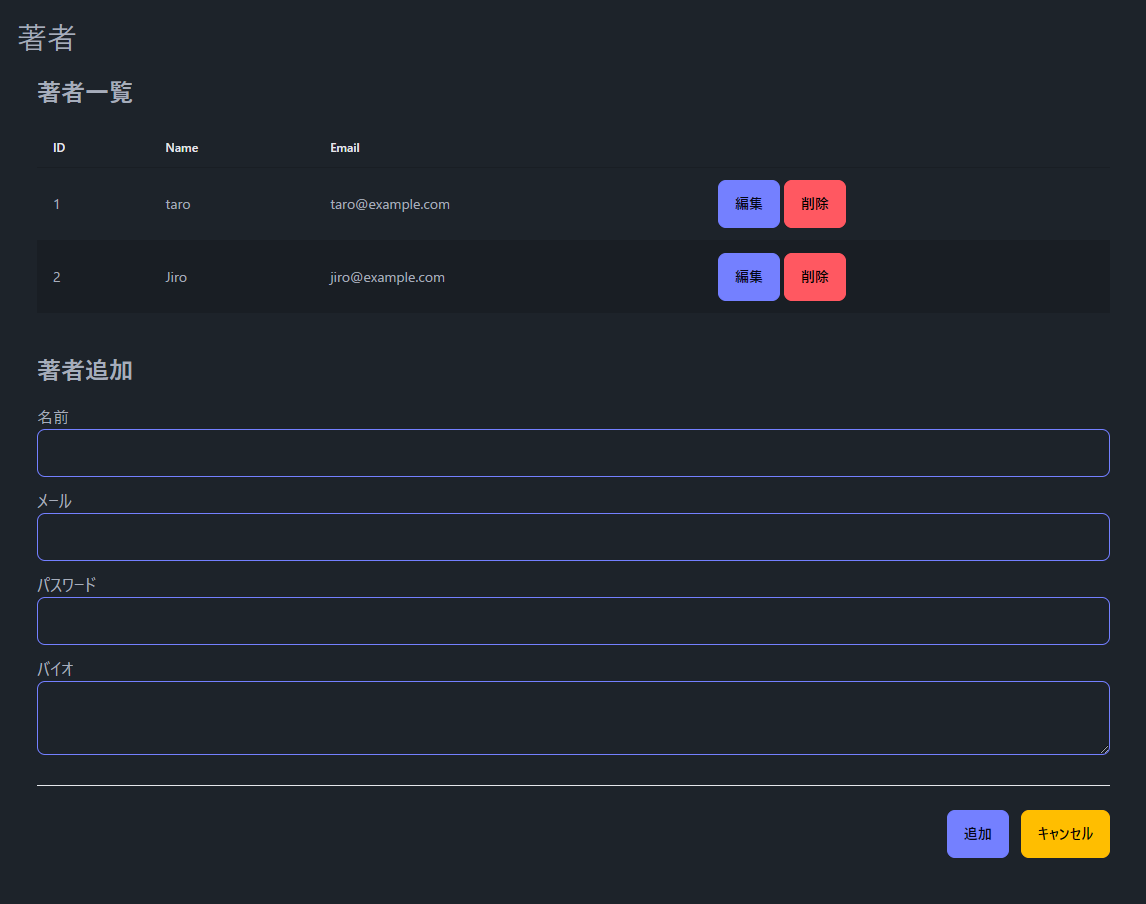
これでエラーでなくなったので、Voltコンポーネントを作成していきます。 著者の一覧、追加、編集、削除です。もちろん、バリデーションチェック・権限管理等を加える必要があります。Voltのお試しです。
<?php
use function Livewire\Volt\{state};use App\Models\Author;
state([    'authors' => Author::all(),    'name' => '',    'email' => '',    'password' => '',    'bio' => '',    'selectedAuthor' => null,    'tableHeaders' => [        ['key' => 'id', 'label' => 'ID'],        ['key' => 'name', 'label' => 'Name'],        ['key' => 'email', 'label' => 'Email'],        ['key' => 'actions', 'label' => '']    ]]);
$addAuthor = function () {    Author::create([        'name' => $this->name,        'email' => $this->email,        'password' => bcrypt($this->password),        'bio' => $this->bio,    ]);    $this->resetForm();    $this->authors = Author::all();};
$editAuthor = function ($id) {    $author = Author::find($id);    $this->selectedAuthor = $author;    $this->name = $author->name;    $this->email = $author->email;    $this->bio = $author->bio;};
$updateAuthor = function ($id) {    $author = Author::find($id);    $author->update([        'name' => $this->name,        'email' => $this->email,        'bio' => $this->bio,    ]);    $this->resetForm();    $this->authors = Author::all();};
$deleteAuthor = function ($id) {    Author::destroy($id);    $this->authors = Author::all();};
$resetForm = function () {    $this->name = '';    $this->email = '';    $this->password = '';    $this->bio = '';    $this->selectedAuthor = null;};
?>
<div class="p-5">    <h1 class="text-3xl">著者</h1>
    <div class="p-5">        <h2 class="text-2xl font-bold pb-5">著者一覧</h2>        <x-mary-table :headers="$tableHeaders" :rows="$authors" striped>            @scope('cell_name', $author)              {{ $author->name }}            @endscope
            @scope('cell_email', $author)              {{ $author->email}}            @endscope
            @scope('cell_actions', $author)                <x-mary-button class="btn-primary" wire:click="editAuthor({{ $author->id }})">編集</x-mary-button>                <x-mary-button class="btn-error" wire:click="deleteAuthor({{ $author->id }})">削除</x-mary-button>            @endscope        </x-mary-table>    </div>
    <x-mary-card title="{{ $selectedAuthor ? '著者編集' : '著者追加' }}">        <x-mary-form wire:submit.prevent="{{ $selectedAuthor ? 'updateAuthor(' . $selectedAuthor->id . ')' : 'addAuthor' }}">            <div>                <label for="name">名前</label>                <x-mary-input type="text" id="name" wire:model="name"/>            </div>            <div>                <label for="email">メール</label>                <x-mary-input type="email" id="email" wire:model="email"/>            </div>            @if (!$selectedAuthor)                <div>                    <label for="password">パスワード</label>                    <x-mary-input type="password" id="password" wire:model="password"/>                </div>            @endif            <div>                <label for="bio">バイオ</label>                <x-mary-textarea id="bio" wire:model="bio"/>            </div>            <x-slot:actions>                <x-mary-button class="btn-primary" type="submit">{{ $selectedAuthor ? '更新' : '追加' }}</x-mary-button>                <x-mary-button class="btn-warning" type="button" wire:click="resetForm">キャンセル</x-mary-button>            </x-slot:actions>        </x-mary-form>    </x-mary-card></div>