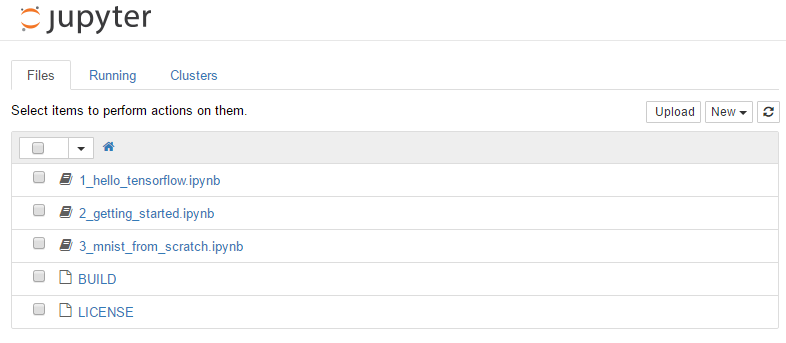
TensorFlowのDockerのJupyterが動かない
TensorFlowのDockerは下記です。
$ docker run -it -p 8888:8888 gcr.io/tensorflow/tensorflowdockerコンテナを実行したら、Jupyterが動いているのですが、Dockerをローカルブラウザで見る方法がわからないです。コンテナを実行したら下記のようなメッセージがでてきました。
$ docker run -it gcr.io/tensorflow/tensorflow:latest[I 09:38:58.768 NotebookApp] Writing notebook server cookie secret to /root/.local/share/jupyter/runtime/notebook_cookie_secret[W 09:38:58.790 NotebookApp] WARNING: The notebook server is listening on all IP addresses and not using encryption. This is not recommended.[W 09:38:58.790 NotebookApp] WARNING: The notebook server is listening on all IP addresses and not using authentication. This is highly insecure and not recommended.[I 09:38:58.794 NotebookApp] Serving notebooks from local directory: /notebooks[I 09:38:58.795 NotebookApp] 0 active kernels[I 09:38:58.795 NotebookApp] The Jupyter Notebook is running at: http://[all ip addresses on your system]:8888/[I 09:38:58.795 NotebookApp] Use Control-C to stop this server and shut down all kernels (twice to skip confirmation).下記に対処方法が書いてありました。dockerのipアドレスを確認して、それでアクセスすればできました。 参考:Unable to start TensorFlow within Docker, on Windows
$ docker-machine ip default192.168.99.100上記IPでアクセスします。
http://192.168.99.100:8888/notebooks